
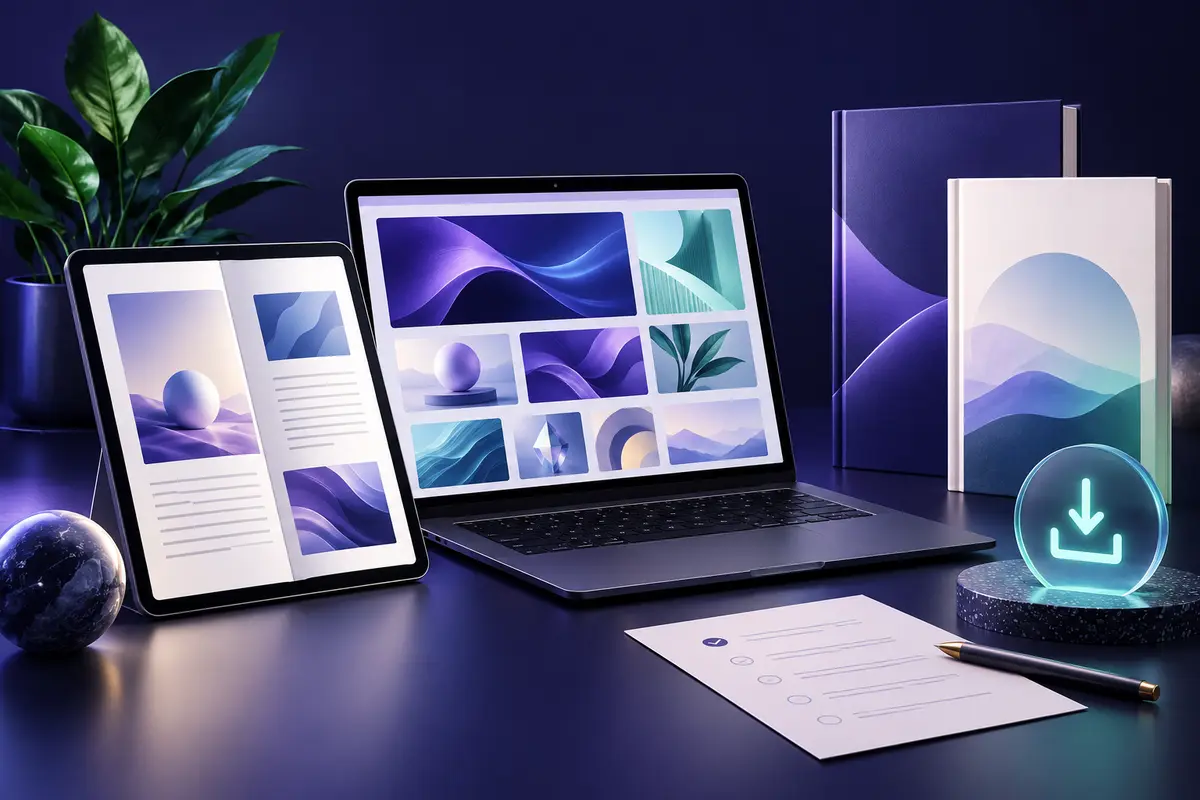
In this guide
What are digital products? They are products you receive as files or online access rather than a physical parcel. An eBook, a printable worksheet, a design template and a downloadable video asset are all examples.
The useful question is not just what a bundle contains, but whether you can open it, use it and get the result you need. This beginner’s guide explains the main types of digital products, how delivery works and what to check before you buy.
What are digital products, and how are they different?
A physical planner arrives as a printed book. A digital planner arrives as a file or access link. Depending on its format, you might print it, open it in an annotation app or use it in a browser.
There is no physical shipment for a digital-only purchase. However, you may still need an app, an account, storage space or a printer. These requirements should be checked on the product page before checkout.
6 common examples of digital products
1. eBooks and digital guides
These are reading or learning resources, often supplied as PDF or EPUB files. Examples include recipe collections, study guides and practical workbooks. Check the language, contents and reading format; a large collection is only useful if it covers what you want to learn.
2. Printables and worksheets
Printables are files designed for printing, such as coloring pages, activity sheets, planners and checklists. Review the page size, print quality and whether the download includes editable files or finished pages.
For an example, explore DigitCrafti’s kids educational printables bundle. Its listing describes printable PDF resources accessed through a downloadable guide. Read the previews and included-file details to decide whether they suit your needs.
3. Templates and planners
A template provides a starting structure for a task: a social media layout, a budget spreadsheet or a planning page. Some templates are editable in a particular application; others are finished PDFs intended for printing or annotation. “Digital” does not automatically mean “editable.”
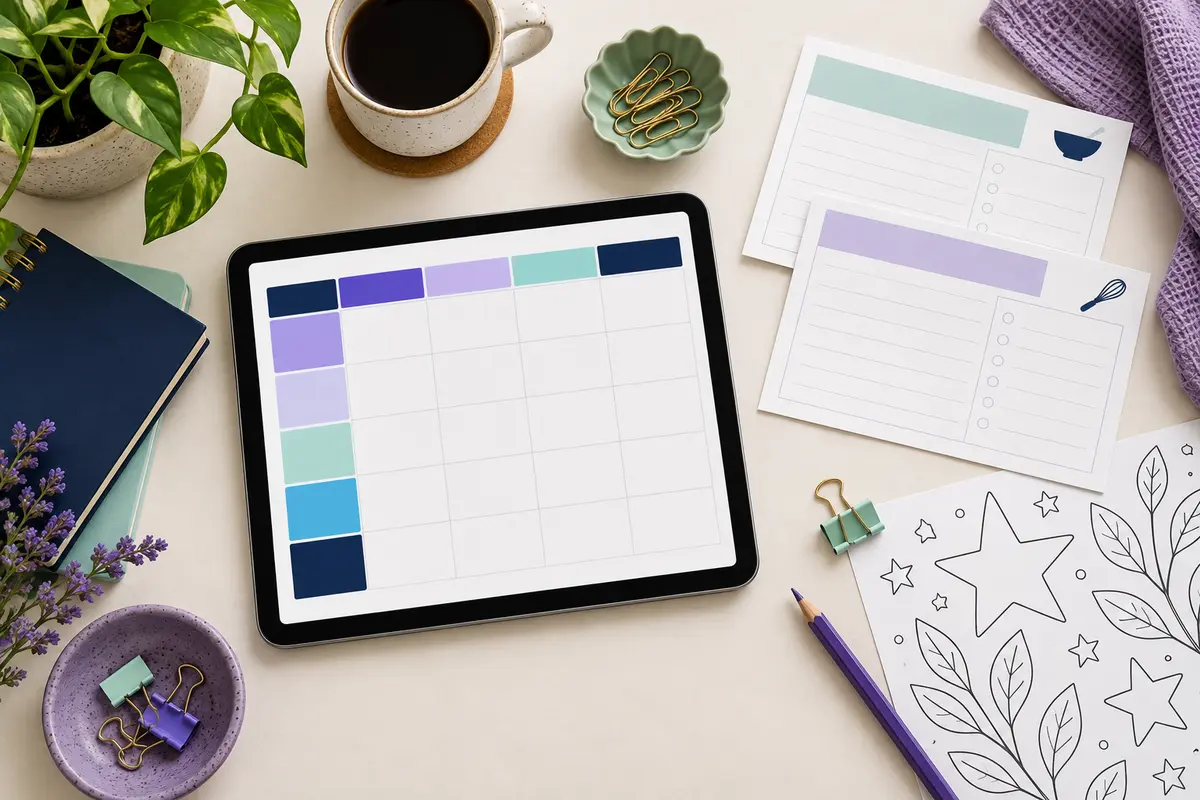
For a practical planning example, DigitCrafti’s Recipe Book Planner PDF listing shows recipe cards, meal-planning layouts and grocery lists. It is an organizer for your own recipes, rather than a cookbook of ready-written meals. Check the product page for current gift availability and access instructions.
4. Graphics and creative assets
These can include illustrations, mockups, fonts and design elements. Before buying, check the file types and the software needed to use them. A preview image shows the appearance of a resource; the included-files list tells you what you actually receive.
5. Video and audio resources
Footage, sound effects and editing resources can support creative projects. Check resolution, format and any required editing software. Also read the usage terms for the specific files you intend to use; do not assume every item in a collection has identical permissions.
6. Software and online tools
Software may be delivered as an installer, an activation key, or access to an online account. Check device compatibility, subscription requirements, activation conditions, and the stated support or update period. A software purchase is different from buying a PDF guide about software.
How do digital downloads work?
Delivery varies by seller and product. You might receive a direct file, a link to a folder, or an access document explaining where to find the resources. Some products provide online access instead of downloadable files.
This distinction is also reflected in Shopify’s documentation on file and link delivery: a digital purchase can provide a file to download or a link that opens hosted content. Your order’s actual instructions remain the reference for your purchase.
- Read the listing: confirm the contents, format and delivery method.
- Save the order details: keep your receipt and access instructions together.
- Open the delivery document: if the download is an access guide, follow its links and instructions.
- Download and organize: store the files in a clearly named folder, with enough free space for larger bundles.
- Test a sample: open one file in the required app before starting your project.
What to check before buying digital products
- Your goal: choose a resource for a specific task, such as planning meals or preparing printable activities.
- What is included: distinguish finished resources from idea lists, tutorials and access guides.
- Compatibility: confirm the required device, app and file format.
- Extra requirements: check whether a paid app, printer or separate account is needed.
- Usage terms: read the license supplied for that product, especially if you intend to use it for business or redistribute anything.
- Access and support: review download limits, access duration, help options and the seller’s refund policy.
For example, DigitCrafti’s digital product ideas guide is described as an idea and planning resource, delivered through a PDF access guide. It is not a collection of finished products ready to sell. This is why the description matters more than the number in a title.
Common download problems and simple checks
You received a small PDF instead of the whole bundle: open it and check whether it contains the access links. A delivery guide may be much smaller than the resources it points to.
You received a ZIP file: extract its contents before opening the individual files. On Windows, right-click the ZIP file and choose Extract All. See Microsoft’s ZIP extraction instructions for the full steps.
A file will not open: check the file extension and the app required in the listing. Confirm that the download finished. If it still fails, contact the seller with your order reference, file name and the exact error message.
Frequently asked questions
Will I receive a physical item?
Not for a digital-only product. You receive files or access instructions. If you want a printed copy, check whether the resource is designed for printing and arrange printing separately.
Can I use digital products on my phone?
It depends on the format and required application. Reading a PDF and editing a large video project have different requirements. Check compatibility before buying; larger bundles may be easier to download and organize on a computer.
Does a PDF access guide contain all the product files?
Not necessarily. It may contain instructions and links to resources stored elsewhere. Read the delivery section to understand what the initial download includes.
Can I edit or resell every digital product?
Do not assume so. Check whether editable source files are included and read the product’s specific license. If the permissions are unclear, ask the seller before using the files in that way.
Choose a resource for your next project
Start with one practical need, then compare the contents, format and access instructions. A suitable resource is more useful than a large collection you cannot use.
Explore the DigitCrafti shop, or start with the printable, planner and idea resources linked above. Review each product page before choosing your download.

 No products in the cart.