
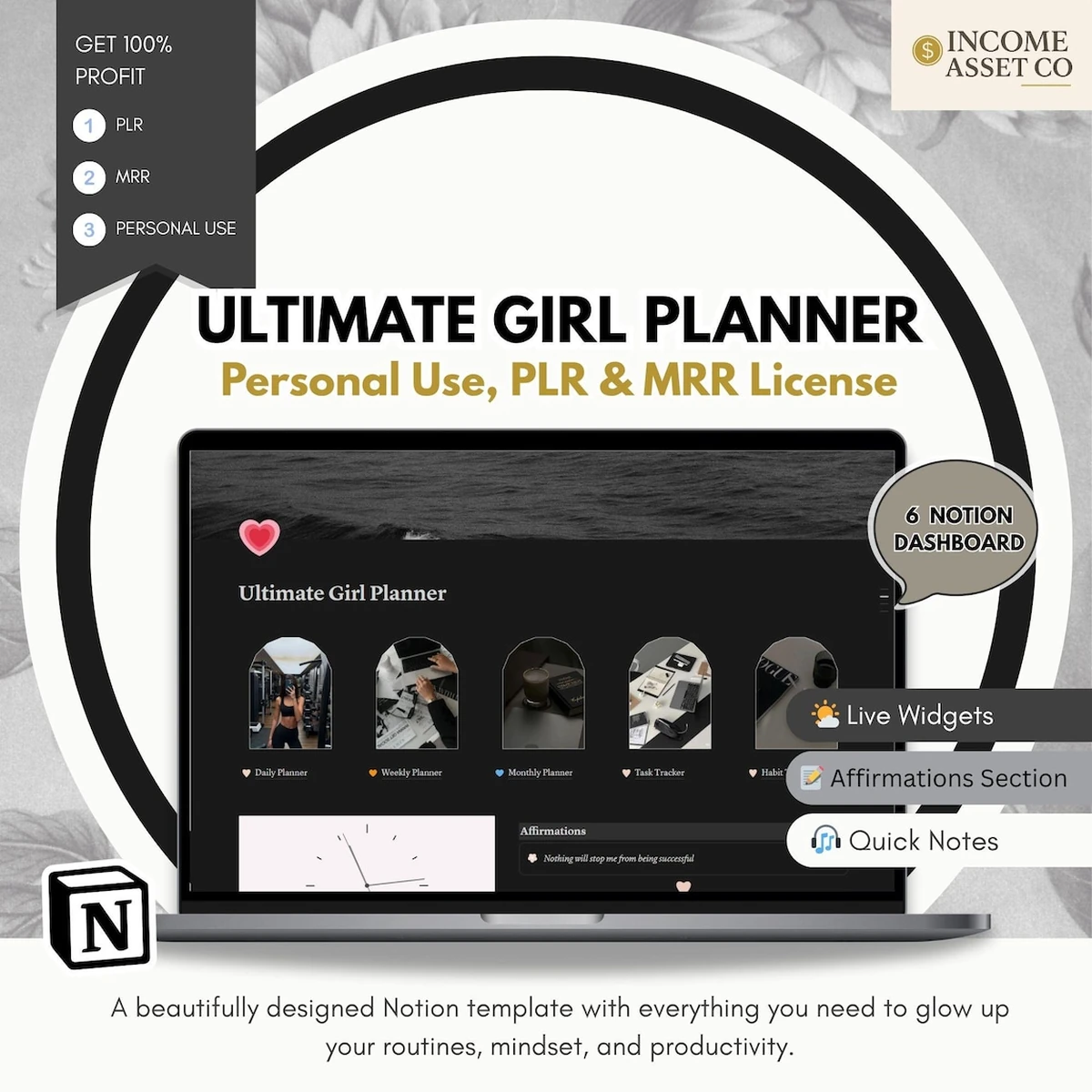
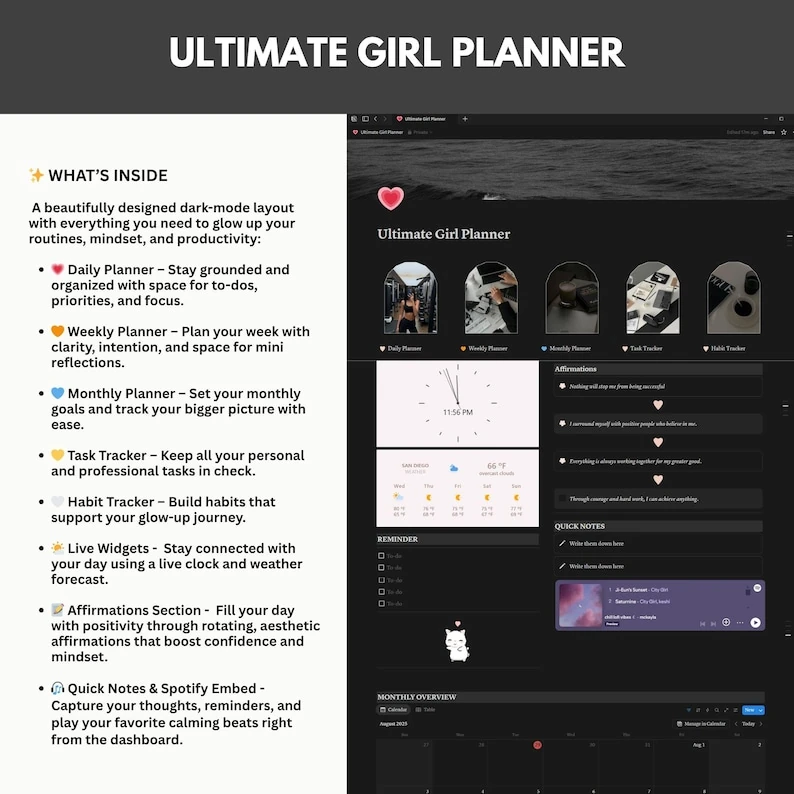
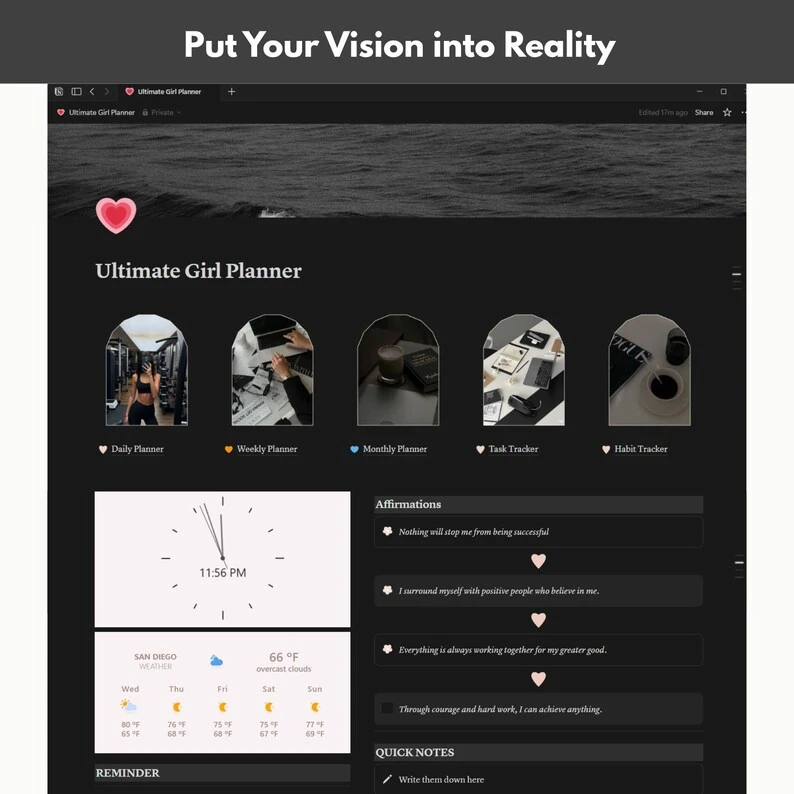

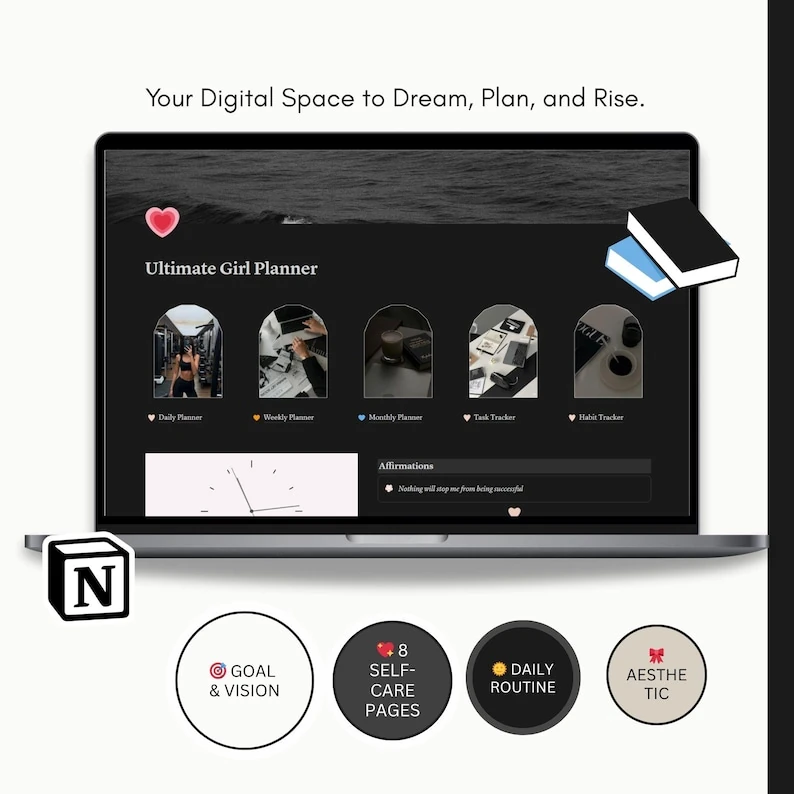

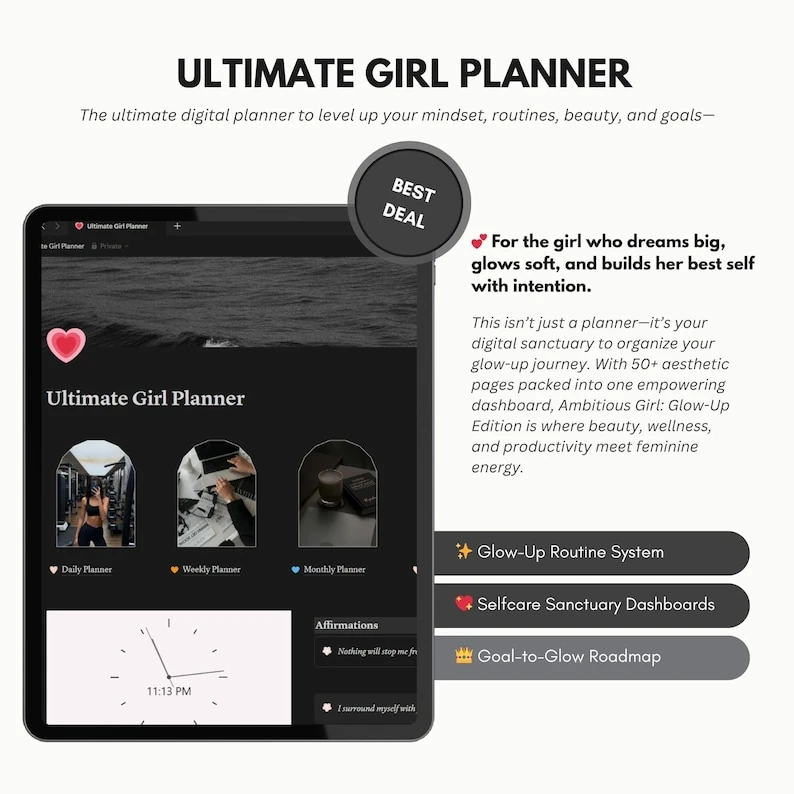


The girl Notion planner brings daily, weekly and monthly planning into one editable dashboard, with dedicated spaces for habits, tasks, affirmations and quick notes. Its dark layout keeps your routines together while you organize study, work and personal goals. Use the planning sections to set priorities, record reminders and review your next steps, then customize the template to suit the way you prefer to plan.
What’s included
- Editable Notion planner with a dark dashboard.
- Daily, weekly and monthly planning sections.
- Task tracker and habit tracker.
- Affirmations, reminders and quick notes.
- Clock and weather widgets, plus a music embed.
- PDF instructions and a video tutorial for using the planner.
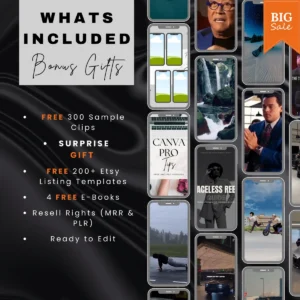
- PDF rebranding guide, thank-you letter and PLR/MRR license agreement.
Make the girl Notion planner your own
Start with the daily section for immediate priorities, use the weekly section to organize upcoming commitments, and keep longer-term goals in the monthly section. The task tracker gives you a separate place for actions, while the habit tracker helps you record recurring routines. Keep brief thoughts in quick notes so they remain close to your planning tools.
The dashboard includes an affirmation space alongside its planning sections. You can edit the template to reflect your own wording and priorities. The previews show the dark dashboard and its existing sections; no separate beauty planner or additional dashboard bundle is included in this listing.
Who it’s for
This planner suits students, professionals and creative business owners who want a central place for personal planning. It also suits people who already enjoy using Notion and prefer an editable dashboard for balancing tasks, routines and self-care. You can organize different areas of your day without starting with an empty page.
For more planning resources, browse our digital planners. If meal organization is part of your routine, explore the recipe book and kitchen planner. For a separate business learning resource, see our editable digital marketing eBook.
How delivery works
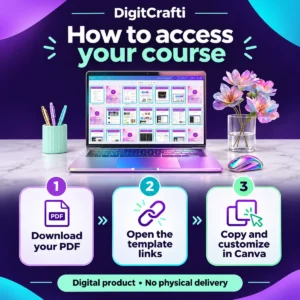
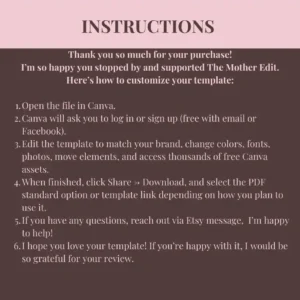
Instant digital download. You receive a two-page PDF containing a clickable access link to the product folder. Open the PDF, follow the download link, and use the included instructions to access and set up your Notion planner. This is a digital product; no physical item will be shipped.
The template is designed for use in Notion. The downloadable PDF provides access rather than serving as a printable version of the planner. Use the included tutorial when setting up your copy. Clock, weather and music elements are embedded features; their operation depends on the connected services.
License & usage
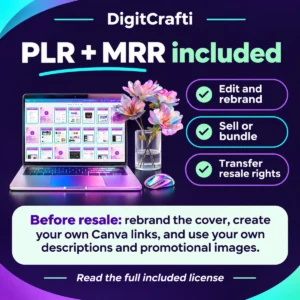
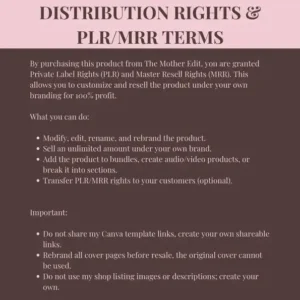
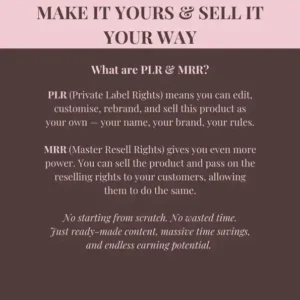
PLR and MRR rights are included, allowing you to customize, rebrand and resell the planner according to the included license agreement. Read that agreement before preparing your own version for sale. This listing does not promise sales results or extend the license to third-party services or music.
Review our digital product licensing and usage information. For help structuring another type of digital product, our guide to creating an eBook to sell covers a separate product format.
FAQ
Is the girl Notion planner a printable PDF?
No. It is a Notion template. The PDF delivered with your purchase contains the product access link.
Can I change the planner to match my style?
Yes. The template is editable, and a PDF rebranding guide is included to help you customize your version.
Can I rebrand and resell this planner?
Yes. PLR/MRR rights are included. Follow the supplied license agreement for the applicable conditions when distributing your version.
Are instructions included?
Yes. The package includes PDF instructions, a video tutorial and a PDF guide to rebranding the planner.















 No products in the cart.
Reviews
There are no reviews yet.