


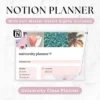
Student Notion Planner is a university-focused dashboard for organizing classes, assignments, weekly plans, daily tasks, study notes, and upcoming exams in one Notion workspace. The supplied screenshots show a pastel pink design with linked sections and a semester overview. After purchase, open the access PDF, follow the Notion template link, and duplicate the view-only page into your own workspace to make edits. The template is described as accessible in Notion on desktop and mobile devices.
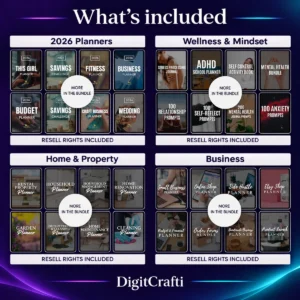
What’s included
Student Notion Planner sections and editable dashboard
- One linked Notion university planner template, accessed through a four-page PDF guide.
- Visible sections for classes, assignments, weekly planning, daily planning, and study notes.
- A displayed upcoming exams table and semester overview.
- Instructions for duplicating the view-only Notion page into your own workspace.
The listing calls it a 2026 planner, but the supplied preview does not establish a dated 2026 calendar or any dated annual pages. [NEED INFO: confirm whether the actual template includes 2026-specific dates.]
Who it’s for
Intended for university students who want a Notion workspace to organize coursework, study activities, and weekly tasks. Explore other digital planners for Notion and compatible apps.
How delivery works
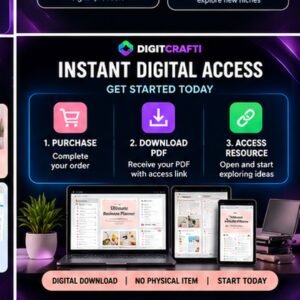
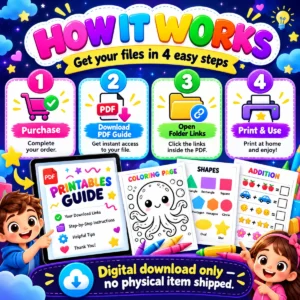
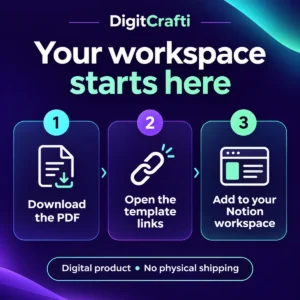
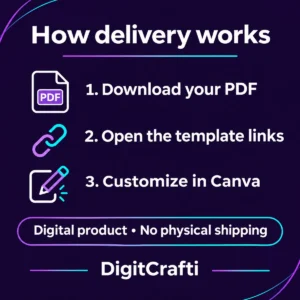
- Complete checkout through DigitCrafti and download the attached PDF access guide.
- Open the Notion template link provided on page two of the PDF.
- Sign in to Notion and choose Duplicate to create an editable copy in your own workspace.
The PDF is the access guide, not a standalone printable planner. [NEED INFO: confirm that the linked Notion template opens and can be duplicated by customers.] No physical item is shipped.
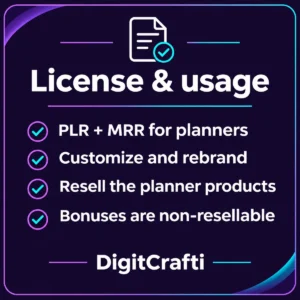
License & usage
The original four-page access guide states Master Resell Rights (MRR), including resale of the template without editing. It also specifically requires resellers to use their own download links and not reuse the original seller’s Etsy listing photos. The document’s claims about copyright must not be treated as independent proof of intellectual-property ownership. Preserve the exact product-specific restrictions and see DigitCrafti’s digital product licensing and usage guidance. [NEED INFO: independently verify the seller’s authority to grant MRR for the linked template and approve replacement commercial listing imagery.]
FAQ
How do I edit the Student Notion Planner?
Open the link from the PDF, sign in to Notion, and use Duplicate to save a copy into your own workspace. The original shared template is view-only.
Can I access the planner on mobile devices?
The supplied listing describes access through Notion on phones, tablets, and desktops. The available experience may differ by device and Notion app.
Does the template have study and assignment sections?
The supplied screenshots show classes, assignments, weekly and daily plans, a study page, and an upcoming exams table.
Can I resell this planner with MRR?
The supplied PDF claims MRR but excludes reuse of the seller’s Etsy listing photos and asks resellers to create a separate download link. The underlying rights still require verification before resale.
Related resources
Compare the Notion Templates Bundle and Girl Notion Planner, or read our guide to Canva and Notion planners.
























 No products in the cart.
Reviews
There are no reviews yet.